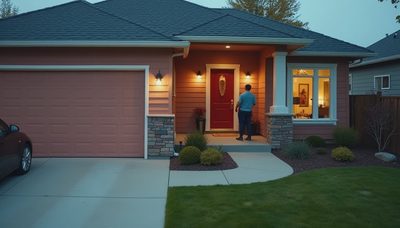
Home security systems are often treated as an app, a camera, and a monthly subscription added after the movers leave. That approach works for a rental, but it is rarely the right answer for a renovation or new build. When walls are open, you can make security quieter, more reliable, and connected to lighting, locks, climate, and access control. The goal is not to make the house feel like a fortress. It is to make the right response happen automatically when something unusual occurs.
I have seen homeowners spend weeks choosing cameras while overlooking the network, door hardware, or power strategy that determines whether the system works three years later. Security is a subsystem. It needs a plan before the drywall, not a collection of gadgets afterward.
Start With the Property, Not the Product
The first step in designing home security systems is mapping the property and the way people actually use it. A compact Silver Lake house has different exposure points than a large hillside home with a detached garage, retaining walls, and several exterior doors. Walk the perimeter at night. Note gates, low windows, side passages, roof access, mechanical rooms, and areas hidden from the street.
Then map daily routines. Which door receives grocery deliveries? Does a housekeeper arrive while the family is out? Is the garage used as the primary entrance? Will teenagers, guests, or short-term vendors need temporary access? These details determine whether you need a keypad, intercom, smart lock, door position sensor, or a simpler mechanical solution.
A good design also separates detection from confirmation. A door contact can report that a door opened, while a camera or occupancy sensor helps explain why. That distinction reduces false alarms and prevents every notification from becoming an emergency. A system that constantly cries wolf is usually silenced by its owners.
What Should Be Wired During Construction
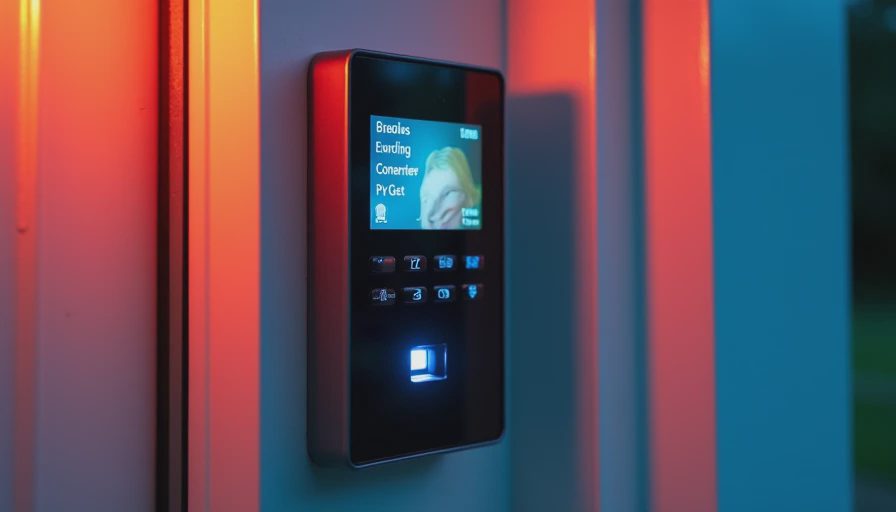
New construction and major renovation create an opportunity that wireless equipment cannot fully replace. Run structured cabling to camera locations, exterior gates, the front entry, equipment closets, and likely access points. Use conduit where future changes are likely, especially between an equipment rack and a gate or detached structure. The exact cable type should be selected with the integrator and electrician, but the principle is simple: provide a serviceable path before surfaces are closed.
Cameras deserve particular attention. Avoid placing every camera at eye level beside the front door. A wide view can show a driveway, but it may not capture a face clearly. A practical plan often combines an overview camera with a closer view at the entry. Mounting height, sunlight, rain exposure, night lighting, and privacy lines matter more than a specification sheet.
Do not forget power. A camera or network switch that depends on one hidden outlet becomes difficult to service. Put core equipment on a properly sized battery backup, and leave ventilation around network and security components. Heat and inaccessible power supplies are common reasons home security systems become unreliable after the initial installation.
Connect Security to the Rest of the Home
The most useful security event is rarely a notification alone. If a door opens while the house is set to away, selected interior lights can turn on, cameras can begin recording, and a message can go to the homeowner. At night, a side-yard motion event might activate a low pathway scene rather than every light in the house. The response should be proportional and understandable.
Integration also improves ordinary living. A single button can set the house to away, lock designated doors, lower shades, adjust the climate schedule, and arm selected sensors. Returning home can reverse those actions without requiring several separate apps. This is where home security systems become part of the home rather than another dashboard competing for attention.
There are boundaries. I do not recommend tying every automation to an alarm state. A nuisance sensor should not turn on all exterior lights at 2 a.m. Likewise, a false smoke or water alert should not trigger a dramatic whole-house sequence without a clear reason. Create a small number of deliberate scenes and test them with the people who will use them.
Choose Monitoring and Alerts Carefully
Professional monitoring and self-monitoring serve different households. A monitoring service can receive an alarm when nobody is available, follow its verification process, and contact the appropriate emergency service. Self-monitoring gives the homeowner more direct control but depends on a charged phone, working internet, and someone noticing the alert.
Before choosing, ask what happens during an internet outage, power failure, or cellular disruption. Ask how alarm verification works, how long recordings remain available, and whether a future service change will make installed equipment unusable. Home security systems should not be locked to a short-term plan without a clear path for ownership and support.
Notifications need equal discipline. A homeowner might want a door-open alert during school hours, a camera clip for an unknown visitor, and no message for routine family activity. Establish quiet hours and group notifications by importance. “Garage side door opened” is useful. Ten nearly identical motion messages are not.
Plan for Privacy, Maintenance, and Year Three
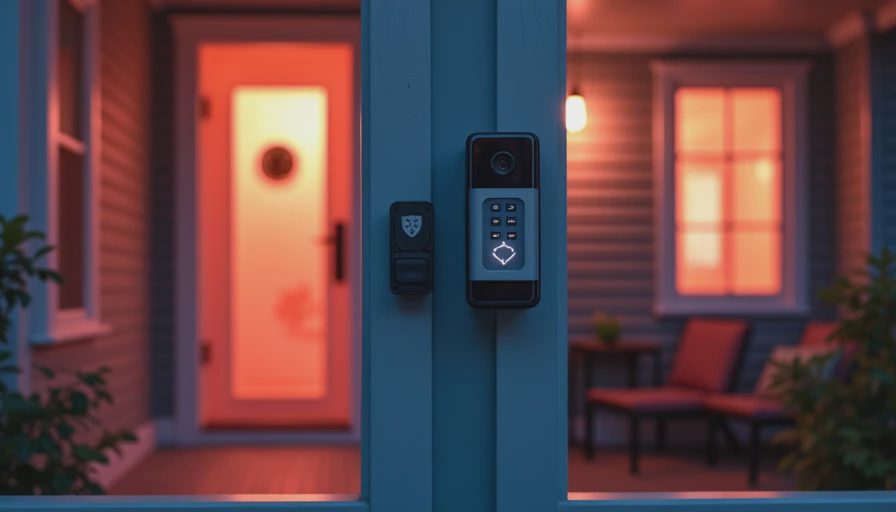
Security cameras see private spaces, so placement and account security deserve the same attention as hardware. Keep interior cameras limited and purposeful. Use privacy shutters or software privacy zones where appropriate, and give household members a clear understanding of when recording occurs. Every account should use a unique password and multi-factor authentication when available.
Maintenance is not glamorous, but it determines the real lifespan of home security systems. Test door contacts, motion sensors, locks, cameras, and backup power on a schedule. Clean exterior lenses, inspect gate hardware, and confirm that firmware updates do not break integrations. Keep a current device list in the equipment room, including power supplies, network ports, and service contacts.
I also plan for ownership changes. A house may be sold, a monitoring provider may change, or a homeowner may decide that a camera is no longer useful. Favor systems with documented credentials, accessible equipment, and standard network practices. Avoid hiding the entire installation behind a single installer account that nobody else can manage.
A Practical Planning Sequence
Begin with a security walk-through before electrical drawings are final. Mark every opening, gate, camera view, keypad, intercom, and equipment location. Next, decide which events require detection, which require recording, and which should produce an immediate alert. Then coordinate cabling, power, network capacity, lighting, lock hardware, and door construction with the relevant trades.
Before closing walls, photograph cable routes and label both ends. Before move-in, test each device in realistic conditions: daylight, darkness, a closed garage door, a delivery at the front entry, and a family member arriving with hands full. Finally, write simple instructions for arming, disarming, granting guest access, and handling a false alarm.
This sequence is more valuable than buying the most elaborate equipment. Home security systems work best when the design reflects the architecture and the household, not when every available feature is enabled.
For a renovation or new build, bring an integrator into the conversation early enough to coordinate with the architect, electrician, network contractor, and security provider. The result should disappear into the house until the moment it needs to help. That is the standard I use: fewer disconnected products, clearer responses, and a system the homeowners still trust after the novelty has worn off.