A motion sensor detector light switch can solve a very specific problem: turning lights on when someone enters a space and off when that space is empty. In a renovation, however, the important question is not whether the sensor works. It is whether the sensor belongs in the larger lighting system, and whether its behavior will still feel natural three years after installation.
I have seen motion-based lighting work beautifully in hallways, laundry rooms, garages, and powder rooms. I have also seen it become a daily annoyance because the sensor was aimed poorly, the timeout was too short, or the switch ignored how the rest of the house was being used. Good lighting design starts with room function, not with a device catalog.
Where motion sensing earns its place
The strongest applications are spaces where people move through briefly and do not want to touch a switch. A garage is the obvious example. When you arrive carrying groceries, the lights should come on before you set anything down. A motion sensor detector light switch also makes sense in a pantry, walk-in closet, mudroom, stair passage, or utility room.
Bathrooms require more judgment. A short vacancy timeout can leave someone in the dark while showering or sitting quietly. In those rooms, an occupancy sensor that detects smaller movements is usually a better fit than a basic motion sensor. The distinction matters: motion sensors generally detect larger movement, while occupancy sensors are designed to recognize that someone remains in the room.
Bedrooms and living rooms are different again. Automatic activation can feel intrusive when someone is watching a film, reading, or sleeping. I typically prefer a scene-based control strategy there, with scheduled dimming and manual control, rather than allowing a sensor to make every decision.
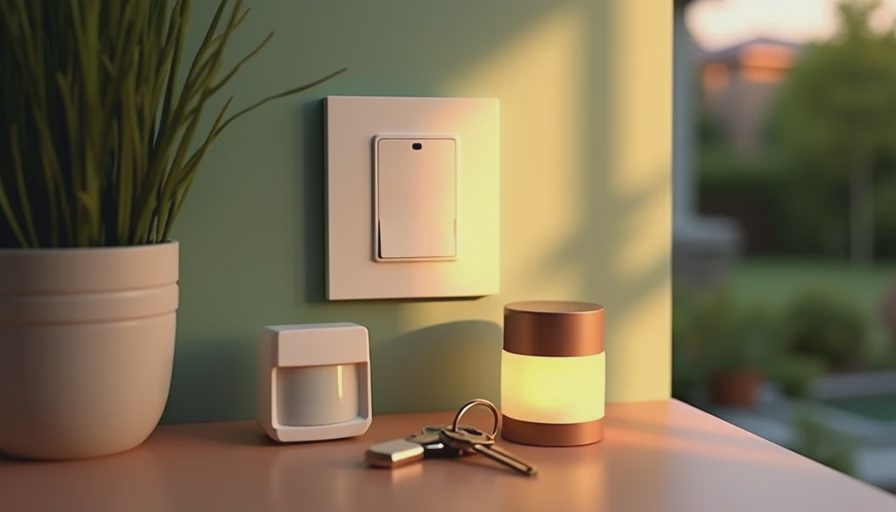
What to decide before the electrician closes the wall
The rough-in stage is the point where a small decision becomes either simple or expensive. Confirm the sensor's location, field of view, mounting height, and relationship to doors, windows, vents, and ceiling fans. A sensor pointed toward a sunny window may respond differently throughout the day. A sensor near a supply vent can behave unpredictably if moving air affects its detection pattern.
Also identify the wiring requirement. Some switches need a neutral wire, while older switch boxes may not have one. Some require a minimum connected load, which can matter with efficient LED fixtures. Others have limitations when controlling multiple fixtures or three-way circuits. These are not glamorous details, but they determine whether the finished installation is reliable.
For a new build, I want the lighting plan to document every sensor zone rather than leaving placement to the last visit. The plan should show which fixtures respond together, which areas have separate timeouts, and how manual overrides work. This prevents a hallway sensor from activating a nearby decorative pendant when only the path lighting should come on.
Sensor behavior matters more than the label
A motion sensor detector light switch is not simply on or off. It has several behaviors that shape how the room feels. The first is detection sensitivity. Too much sensitivity can trigger lights when a person walks past an open doorway. Too little can require exaggerated movement before the fixture responds.
The second is the vacancy timeout. Five minutes may be reasonable for a pantry, but it can be frustrating in a bathroom or home office. A longer timeout reduces nuisance shutoffs, although it also uses more energy. In a garage or storage room, a range of 10 to 20 minutes often feels more forgiving than a very aggressive setting.
The third is ambient-light sensing. Many devices can prevent lights from turning on when there is already enough daylight. That feature sounds obvious, but it needs commissioning. A hallway may be bright at noon and dim at 4 p.m. after the sun moves behind another building. Treating daylight as a fixed condition produces inconsistent results.
Connecting the switch to the rest of the house
The best installations do not treat every sensor as an isolated gadget. They connect local detection to scenes, schedules, and security logic. For example, a mudroom sensor might turn on low-level lights during the day, brighter lights after sunset, and a softer path scene overnight. The same event could pause an automatic security arming sequence while someone is still moving through the house.
That does not mean every sensor needs to be tied to a large automation platform. A standalone switch is often the right answer for a single closet or garage. The system decision should match the room. Adding a full controller to solve one simple lighting task creates another maintenance obligation.
Where integration does make sense, a motion sensor detector light switch can become an input rather than the final authority. The sensor reports occupancy, and the central lighting system decides what level, color temperature, or scene should respond. This is especially useful in homes with motorized shades, nighttime path lighting, and multiple lighting zones.
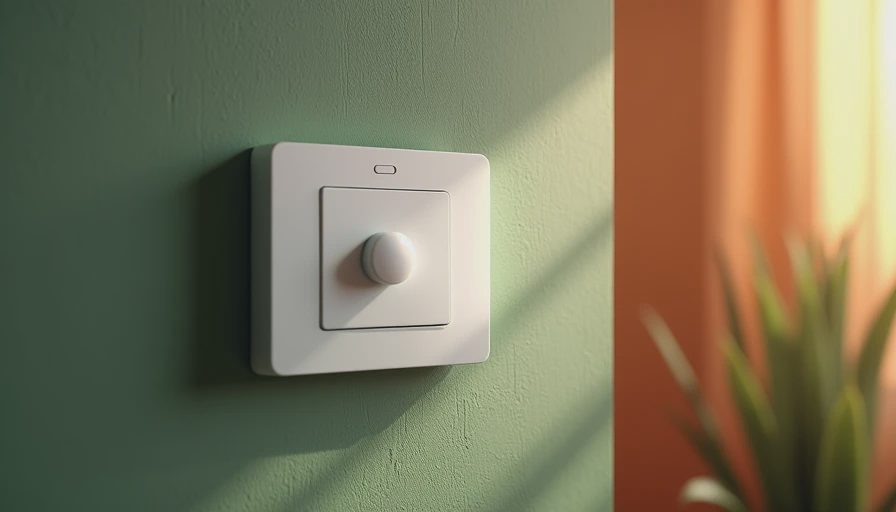
Common failures I see after installation
The first failure is placement based on convenience instead of movement. A wall sensor beside the door may miss someone sitting at a desk, while a ceiling sensor can cover the room more evenly. The second is using one timeout everywhere. Every room has a different rhythm, so one setting rarely suits a pantry, stairwell, and bathroom.
The third is forgetting manual control. People need a way to keep lights on while cleaning, working, or moving furniture. A good switch provides a temporary override or communicates with a scene controller. If the only option is to wave repeatedly at the sensor, residents will eventually disable it.
The fourth failure is poor nighttime behavior. Bright overhead light at 2 a.m. is technically successful but practically wrong. Use dimmed sconces, toe-kick lighting, or a low-level pathway scene for overnight movement. A sensor should support the home's atmosphere, not erase it.
A practical planning sequence
Start by marking every space where hands are often occupied, including the garage, entry, pantry, laundry room, and stair routes. Next, separate true pass-through areas from rooms where people remain still. Choose motion sensing for the first group and occupancy detection or manual control for the second.
Then document the intended response: which fixtures turn on, at what level, for how long, and under what daylight conditions. Test the sequence at sunrise, afternoon, evening, and late night. Walk through carrying bags, pause in the room, and approach from different directions. Commissioning is not complete when the switch responds once; it is complete when the behavior feels predictable.
A motion sensor detector light switch is a useful component, but it is not automatically a smart-home strategy. Use it where automatic response removes friction, give it room-specific settings, and connect it to broader scenes only when that connection improves the experience. In a renovation, thoughtful planning costs less than correcting an annoying installation after drywall, paint, and trim are finished.