What is a smart home? It’s a question I hear almost every week from clients who are building or renovating. They’ve seen the ads and the YouTube videos, and they want the magic — but they also want it to actually work. So let me give you the definition I use when designing a system: a smart home is a house where the major subsystems — lighting, climate, shades, security, and audio — are wired into one network and can be controlled as one thing. It’s not about the number of smart devices you own. It’s about how they work together. A single smart thermostat or video doorbell doesn’t make a home smart. It’s when the door lock tells the lights to turn on, and the thermostat knows you’re home before you walk through the door, that the house starts to feel genuinely intelligent.
A Toolkit Isn’t a System
A common mistake is thinking that a smart home is just an assortment of internet-connected devices. Buy a smart speaker, a smart thermostat, a few smart bulbs — but now you’re juggling separate apps and hoping they'll behave. That’s how you end up with a home that feels dumber than the sum of its parts. A true smart home has a controller that talks to every subsystem. When you walk in the door, the lock sends a signal, the controller turns on the entry lights, adjusts the zone temperature, and starts your evening playlist. That automation is what separates a toolkit from a system. The difference is visible in the morning: a house full of gadgets wakes up with alarms blaring from separate devices, while a smart home eases you into the day with dim lighting in the hallway and the right temperature in the bathroom.
The Five Subsystems That Matter
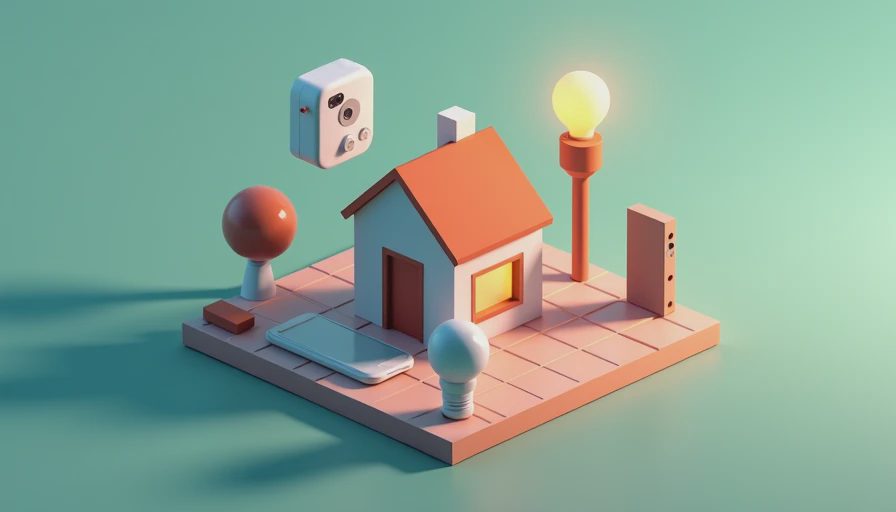
When I design a home, I focus on five core areas. Lighting is first, including dimming and scene control. Climate is second — per-room temperature zones and motorized shades that follow the sun. Security comes third: locks, cameras, and sensors that share data. Audio is fourth, so the same playlist follows you from the kitchen to the patio. Energy management is fifth, giving you insight into what’s drawing power. None of these subsystems should exist in isolation. The value appears when they share one brain and respond to a single trigger. For example, a scene called "Movie Night" doesn’t just dim the lights; it closes the shades, lowers the volume in the kitchen, and adjusts the thermostat so the room stays comfortable while you’re under a blanket.
How the Wiring Works
A smart home runs on a backbone. You need both wired and wireless connections. Things that sit still — wall panels, controllers, network switches — should be hardwired. Items that move, like a remote sensor or a temporary speaker, can use Wi-Fi or a mesh network. The central hub, sometimes called a gateway, translates between protocols. In a well-designed smart home, you never see more than one interface. You use a single app, a wall panel, or your voice. When you say "I’m leaving," the system sets the alarm, switches off the lights, and adjusts the HVAC. That’s the real meaning of smart. A good installer will also plan for future expansion — leaving spare wires in the wall and making sure the network can handle new devices without slowing down.

Where Most Smart Homes Fall Apart
The failures I see in my work almost always trace back to a lack of planning. Homeowners buy a few smart products and expect them to grow into a system. But after a year, the Wi-Fi network gets overloaded, apps stop responding, and the owner gives up in frustration. Then there’s the protocol nightmare — a Zigbee sensor here, a Z-Wave switch there, and no common language between them. The final problem is commissioning. A contractor installs everything but never configures the scenes or schedules. The system sits there, unset, doing nothing. Every one of these issues is avoidable if you design the architecture before the drywall goes up. The cost of retrofitting a system later is always higher than building it in from the start.
Three Questions to Ask Before You Plan
If you’re still asking what is a smart home, you’re not alone. Most people are trying to picture how their daily routine would change. Before you spend a dollar on any equipment, ask yourself these three questions. First, how do you want the house to respond when you arrive home from work? Do you want the lights to come on automatically, or would you rather have a single button by the door? Second, what rooms are you most likely to use every day? The kitchen, the home office, and the primary bedroom are the places where automation pays off. Third, what happens when you’re away? Should the system know when you’re not there and adjust security and climate accordingly? The answers to these questions will shape the entire design.
The Real Answer
So, what is a smart home? It’s not the automated showcase you’ve seen in ads. It’s a home that quietly handles the routine — adjusting light, temperature, and sound so you don’t have to think about it. Done right, it disappears into the background. You stop noticing the technology and start enjoying the comfort. That’s the point. If you’re about to build or renovate and you want your home to work as one thing rather than a dozen separate boxes, the time to start is before the framing goes up. Design the system early, and every decision that follows gets easier.