Smart Home Devices That Actually Work as One System
Most people buy smart home devices one at a time: a video doorbell here, a smart thermostat there, a plug-in dimmer on sale. By the time you have twelve of them, you're juggling six apps, three hubs, and a Wi-Fi network that's gasping. I've walked into hundreds of LA homes where the promise of a smart home turned into a drawer full of chargers and a spouse who refuses to touch the light switches.
The problem isn't the devices. It's the lack of a system. A smart home should behave like one coherent machine, where the shades close before the afternoon sun hits the cooling zone and the entry lights know not to blind you at 2 a.m. That kind of behavior doesn't come from a box of gadgets. It comes from a plan.
Why Most Smart Home Devices Fall Apart by Year Three
Here's what fails in year three: the camera that drops off your network, the plug that needs a firmware update through an app you deleted, the occupancy sensor that never quite learned the difference between a person and a dog. Clients don't stop using their smart home because the tech is bad. They stop because maintaining fifteen separate products is a part-time job.
The fix is integration. When lighting, climate, shades, and security share one platform and one interface, there's less to keep alive. You update one system instead of a pile of cheap apps. You get one vendor to call when something acts up. That's why my whole approach starts with the system, not the device.
Start with the Network, Not the Gadgets
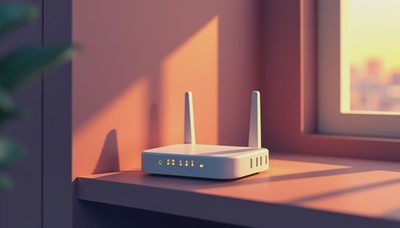
When I plan smart home devices, I start with the network. If your Wi-Fi can't handle thirty devices, nothing else matters. In a new build or major remodel, I run structured wiring to every room: ethernet drops, speaker wire, shade power, and conduit for things we haven't invented yet. I also put in a proper access point system, not a single router tucked in a closet.
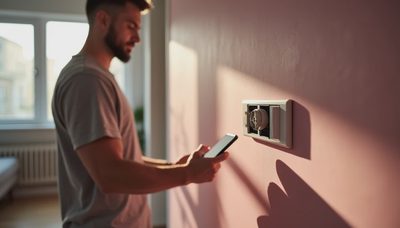
The rough-in phase is where smart home decisions actually happen. You want deeper electrical boxes for dimmers and keypads. You want neutral wires at every switch location. You want a central wiring panel with room for a network switch, a server, and the brains of the house. Skip this and you'll spend the next decade fighting wireless workarounds.
The Four Subsystems That Matter Most
When a client asks what smart home devices are worth it, I point to four categories: lighting, climate, shades, and security. Audio is a close fifth, but these four touch your life every single day.
Lighting means dimmers, keypads, and scene control. Set "wake up" to bring the bathroom to a warm 40 percent while the coffee machine warms up. Climate means a smart thermostat plus sensors in each room. Shades on the east side close automatically in summer, cutting cooling load. Security ties the entry door, cameras, and motion sensors into the same scenes: maybe the front lights snap on if a sensor triggers at night.
The value isn't any single device. It's how they work together. A sensor in the hallway can tell the lights, the thermostat, and the security system that you're home. That's the system view.
Where Smart Home Devices Actually Save You Money
Energy savings are the most honest argument for a connected house. A thermostat that learns when you're away can trim your heating and cooling bills. Shades that block afternoon sun reduce heat gain. Occupancy-based lighting means you're not paying to light empty rooms. Over a year those add up, especially in a climate like Southern California.
There's also the insurance side. Professionally monitored security systems often qualify for a homeowner's policy discount. Many carriers will lower your premium if you have smart locks, cameras, or an alarm system that's central-station monitored. It won't pay for the install, but it helps with the monthly cost of a monitoring plan.
The System View: What Clients Actually Use
After the novelty fades, a handful of features carry the whole experience. In my clients' homes, the most-used features are lighting scenes and keypads. Everyone loves the one-touch "good night" button that kills the lights, locks the doors, and sets back the thermostat. Motorized shades are a close second. That's the thing: the simple, repeated moments matter more than a fancy voice command.
What collects dust? The app you need only for that one weird plug. The voice assistant feature that keeps waking up at the wrong time. A system that requires three different remotes. If a smart home device isn't part of the core system, it usually stops being used.
How to Plan Smart Home Devices for a New Build or Renovation
If you're getting ready to build or remodel, here's the order I'd suggest:
- Hire the system designer before drywall goes up. An integrator who works with electricians and the GC can save you from expensive rework.
- Decide on the platform early. Lutron, Control4, Savant, and Crestron all have their strengths. Pick one and commit — mixing platforms is where things get messy.
- Plan the wiring. Distribution points, drops, and conduit are cheap while walls are open.
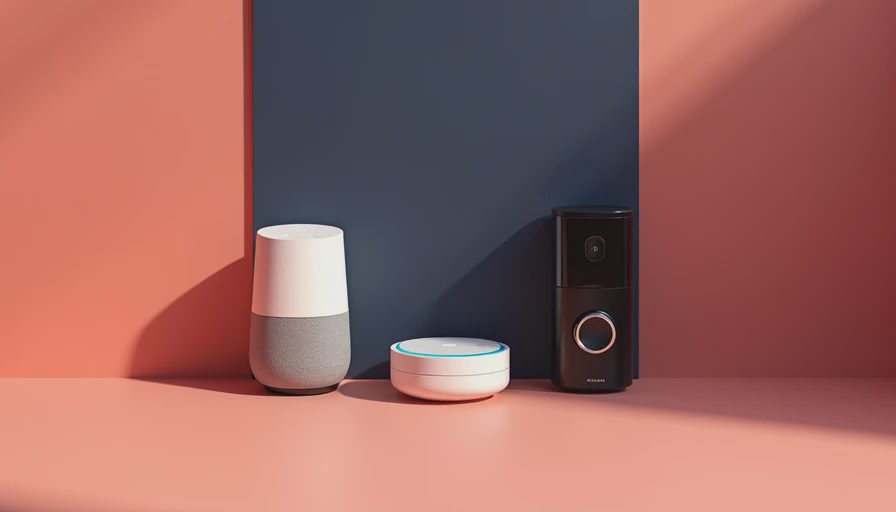
- Keep the outdoor stuff simple. A few well-placed cameras and a video doorbell are enough; don't add an array of gadgets that need constant watching.
The goal is fewer devices, doing more, with less maintenance.
So what's the bottom line? Smart home devices are only as good as the system behind them. Buy into a platform that an installer can support, wire it properly, and you'll end up with a house that anticipates you instead of fighting you. That's the difference between a drawer full of dongles and a home that finally works.