If you're building or renovating, you've probably heard smart home automation described as a pile of apps and a video doorbell. I mean something more: a single system where lighting, climate, shades, security, and audio work together. After designing over 200 homes in LA, I can tell you the difference between a system that delights and one that frustrates comes down to decisions made before the drywall goes up.
Start with the Wiring, Not the Gadgets
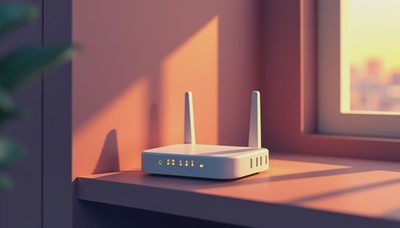
Smart home automation lives or dies in the rough-in phase. Before the walls close, you need structured cabling for data, speaker wire for audio, and low-voltage runs for keypads, sensors, and shades. Wi-Fi is a convenience layer, not a foundation. Rely on a dozen wireless gadgets and you'll be at the mercy of your router and your neighbor's microwave. I tell clients to run Cat6 to every room and to ceiling corners for access points. It's cheap during construction and nearly impossible to retrofit. A wired backbone gives every subsystem a stable path to communicate.
The One System Most People Get Wrong: Lighting
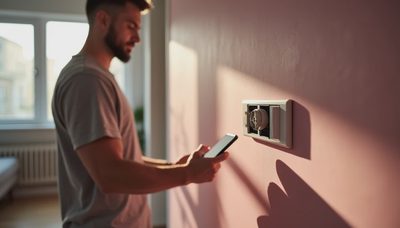
Lighting is the entry point for most homeowners and the most misunderstood part of smart home automation. People think it's about controlling bulbs from an app. It's actually about scene control — dimming, color temperature, and grouping so "movie night" does one thing and "morning routine" does another. That takes a proper lighting control system, not a few smart switches. Keypads at doorways should recall scenes, and those scenes should engage other subsystems. When you press "away," the lights turn off, the shades close, and the thermostat drops. That coordination makes the whole house feel intelligent.
Why Climate and Shades Should Talk to Each Other
One of the biggest energy wins in a smart home automation setup is pairing HVAC with motorized shades. The afternoon sun hits a glass wall and your AC works harder. If the system knows the temperature is climbing and the sun angle on that facade, it closes the shades before the room overheats. This isn't sci-fi, just sensors and times of day. I've seen homes where this cut cooling costs by a noticeable margin. The key is hardwired shade motors on the same control system as your thermostat. You also get a consistent room temperature without thinking about it.
Security and Audio Are the Same Network
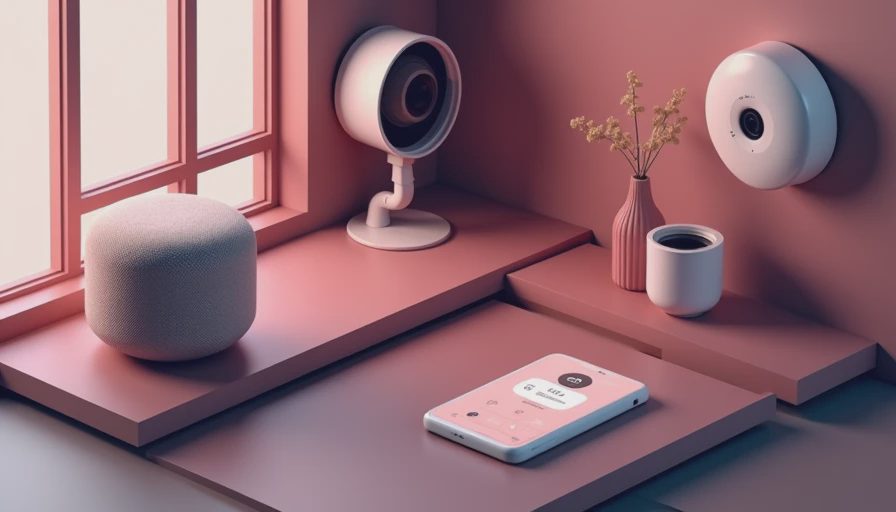
Homeowners often ask if security should be separate from entertainment. My answer is no. Doorbell cameras, smart locks, motion sensors, and whole-home audio should live on one control network. When the front door unlocks at 6 pm, the entry lights come up and the music softens. When motion is detected at night, exterior lights flash and your phone gets a notification. All of this is orchestrated by a central controller. You avoid five apps and five accounts. A unified system also means one vendor is responsible when something behaves oddly, which is worth more than you'd think.
What Fails at Year Three (and What Survives)
I've seen plenty of smart home automation setups that were impressive on demo day and abandoned six months later. The common denominator is cheap wireless devices with no central brain. Smart plugs and switches that depend on a cloud service become sluggish or brick when the manufacturer turns off the server. What survives is a local controller that keeps working even if the internet drops, and wired devices that don't rely on Wi-Fi power. Also, clients stop using features that are too complicated. If a guest can't figure out the keypad, that's a failure. Good design means the most common actions are one press.

Working with an Integrator vs. Going DIY
Should you build your own smart home automation from off-the-shelf parts? Sometimes. If you're comfortable troubleshooting, a DIY platform like Home Assistant can be rewarding and flexible. But if you're mid-renovation with a deadline, a professional integrator is worth the investment. The integrator's value isn't the gear — it's the programming, the coordination with electricians, and the after-sale support. Make sure whoever you hire is dealer-certified with the platform they recommend. Ask what happens when equipment fails. Buy through a dealer and you get warranty support and a phone number. That's often the difference between a system you live with for a decade and one you rip out.
A Simple Plan for Your Smart Home Automation Budget
A common mistake is trying to automate everything at once. The better path is to phase it. In the rough-in, run all the wire for every system you might ever want, even if you don't install the hardware yet. Retrofit always costs more than coordination during construction. Then start with lighting and climate, since those are what you touch daily. Add security next, then shades, then audio. That order gives visible value early and avoids sticker shock. Keep the control infrastructure — processor, network switches, access points — sized for the whole plan, not just phase one. Future-proofing is easier if the rack is already built.
Final Thoughts on Smart Home Automation
Smart home automation isn't a single product you buy; it's a way of designing a house. Get an early conversation going with an integrator or a knowledgeable electrician before framing begins. You'll save money and the heartbreak of cutting into a finished wall to add a wire you should have run six months earlier. The goal isn't to have the most gadgets. It's to make the house feel responsive to how you actually live.