Smart home installation is not the process of putting a voice assistant in every room and downloading six different apps. In a renovation or new build, it is the design of a connected home where lighting, climate, shades, security, audio, and energy controls support one another. The goal is not to make the house feel technical. The goal is to make it feel unusually easy to live in.
I have seen the same mistake across homes in Los Angeles: the homeowner buys excellent products, but nobody designs the system around the way the house is actually used. A thermostat cannot coordinate well with motorized shades if they were planned separately. A security camera is less useful when its alerts arrive without context. Good integration starts before the drywall closes.
Start With Daily Routines, Not Devices
The first step in smart home installation is documenting what should happen during an ordinary day. At 6:30 a.m., perhaps the bedroom shades rise halfway, the bathroom reaches a comfortable temperature, and low-level hallway lighting guides someone toward the kitchen. At sunset, exterior lights come on, shades adjust for glare, and the music system becomes available without requiring a phone search.
These are scenes, but a scene is more than a collection of commands. It is a response to time, occupancy, daylight, temperature, and user preference. A well-designed system uses those inputs carefully. It does not turn on every light in the house because one person opened the front door.
During planning, I ask homeowners which controls they already use without thinking. Wall switches still matter. A visitor should be able to operate a room without an explanation, and a tired homeowner should not need to find a tablet to turn off the kitchen lights. The best smart home installation preserves familiar controls while adding useful automation behind them.
Plan the Infrastructure Behind the Walls
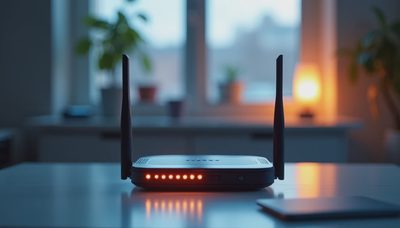
A reliable smart home installation depends heavily on work that nobody sees. Structured wiring, network equipment, power locations, equipment ventilation, and service access deserve the same attention as visible fixtures. Wireless devices are useful, but a large house with concrete, stone, metal framing, or multiple floors should not depend on wireless coverage alone.
I typically want a clear network plan before devices are selected. That includes dedicated locations for switches, access points, controllers, audio equipment, and battery backup. A small, ventilated equipment closet is easier to service than a stack of hardware shoved into a media cabinet. Leave room for growth as well. A system that fits perfectly on move-in day can become difficult to maintain after a few additions.
Lighting deserves special attention because it affects every room and every routine. Decide early whether the design calls for centralized lighting panels, distributed dimmers, or a combination. Specify the dimming method and load type before the electrician orders hardware. LED fixtures vary widely in their behavior, and a beautiful fixture that flickers or hums at low levels will be used less often.
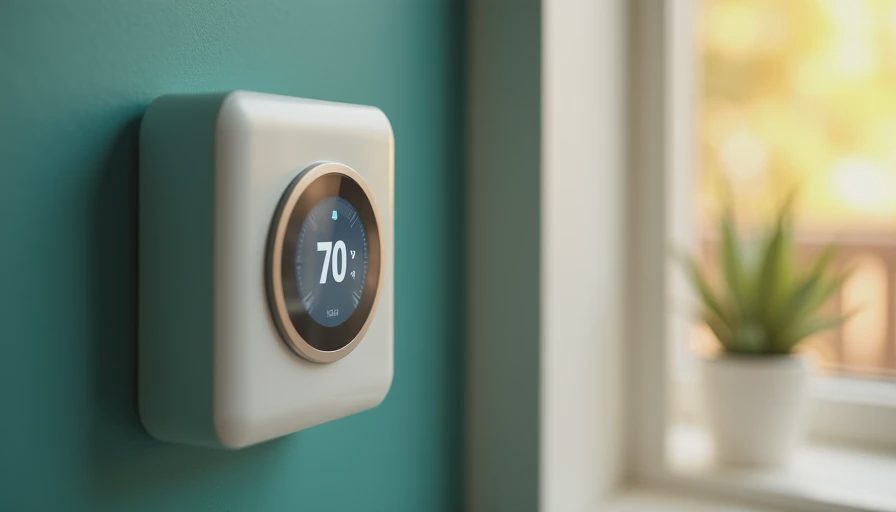
The same principle applies to shades and climate. Window orientation, glass type, insulation, and HVAC zoning should inform the automation plan. Closing a west-facing shade in the afternoon can reduce glare, but it should not leave a room dark when natural light is still useful. Smart controls should respond to the house rather than impose a rigid schedule.
Choose the Right Level of Integration
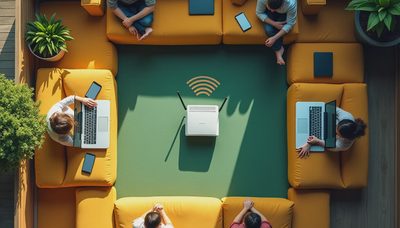
Not every project needs a large, custom platform. A compact home might be better served by a carefully selected combination of reliable lighting controls, a strong network, thermostats, and a few security devices. More complex homes benefit from a central control layer that gives the homeowner one coherent interface and allows subsystems to share information.
The decision should follow the number of systems, the size of the property, and the expectations for support. If you have lighting, multiple climate zones, motorized shades, door access, cameras, whole-home audio, a pool, and energy monitoring, separate apps quickly become an operational problem. Smart home installation at that scale requires clear ownership of the system and documented programming.
A central platform also makes handoff important. The homeowner should receive a practical explanation of everyday controls, not an hour-long tour of every engineering feature. I create simple operating logic first, then add advanced options only when they solve a real problem. Most residents use a small percentage of available features, so those features need to be excellent.
Avoid the Failures That Appear in Year Three
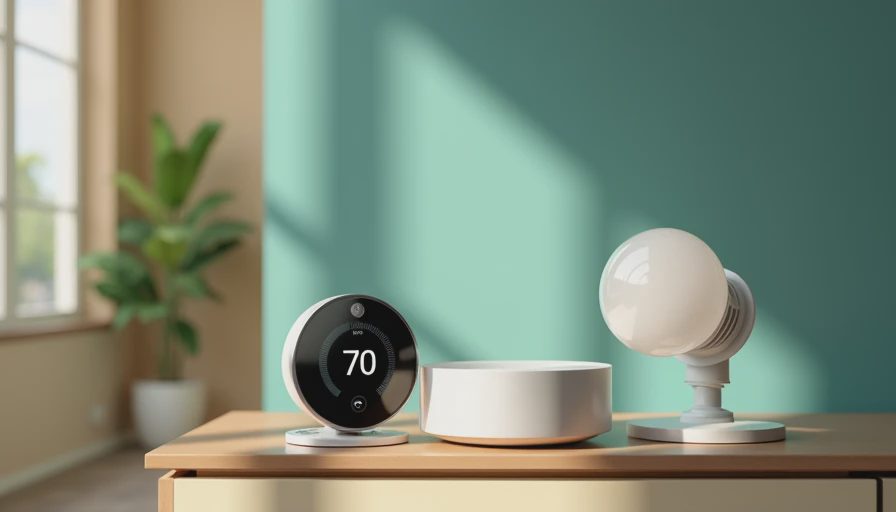
Many systems work perfectly at completion and become frustrating later. The common causes are predictable: no service access, undocumented passwords, unsupported hardware, weak network design, and automations that are too clever. A system may also fail socially when it takes longer to use than a traditional switch.
For long-term smart home installation, document every major component, cable path, network address, programming rule, and warranty date. Keep current drawings near the equipment, and label both ends of every important cable. Use a battery backup for the network and core controller so a brief power interruption does not create a house-wide reset.
Be cautious with automations triggered by uncertain information. Occupancy sensors can miss a person sitting quietly. Geofencing can behave unpredictably when several phones are involved. A good system allows manual control at all times and treats automation as assistance, not authority. This is especially important for security, door access, heating, and cooling.
A Better Process for Renovations and New Builds
Begin with a discovery conversation before the electrical plan is finalized. Walk through mornings, evenings, entertaining, vacations, deliveries, and emergency situations. Then create a room-by-room control schedule showing switches, keypads, sensors, shades, speakers, cameras, and network requirements.
Next, coordinate with the architect, electrician, HVAC contractor, window-covering provider, security team, and interior designer. Smart home installation succeeds when these trades share one plan. A keypad placed behind a door casing or a shade pocket that conflicts with trim is not an electronics problem; it is a coordination failure.
Before walls close, inspect cable routes, photograph rough-in conditions, confirm power, and test the network backbone. At commissioning, test ordinary use rather than just individual devices. Walk into the entry, start a movie, go to bed, leave for work, and simulate a power interruption. If the experience feels awkward during those scenarios, programming should change before the project is signed off.
What a Thoughtful System Feels Like
A successful smart home installation becomes less noticeable over time. Lights are available at the switch, shades move when their behavior makes sense, temperature remains comfortable, and security information reaches the right person without constant noise. Guests can use the house naturally, while the homeowner can adjust deeper settings when needed.
The measure of success is not the number of devices installed. It is whether the house supports the way you live, remains serviceable after the novelty fades, and can adapt when the family, furniture, or technology changes. If you are planning a renovation, bring system design into the conversation early. A few decisions made before rough-in can prevent years of workarounds later.
For homeowners considering smart home installation, the next step is a room-by-room review of goals, infrastructure, and priorities. Start with the experiences that matter every day, then select technology that makes those experiences dependable.